Verkada Command: cameras, doors, alarms, sensors

Verkada Installer Perth

Verkada installer Perth for businesses that want cameras, doors, intercoms, alarms and environmental sensors managed from one cloud dashboard. We design the system, run the cabling and PoE, mount and commission every device, and set up Verkada Command so the people who need it can see every site from a browser or phone, with no NVR to maintain.
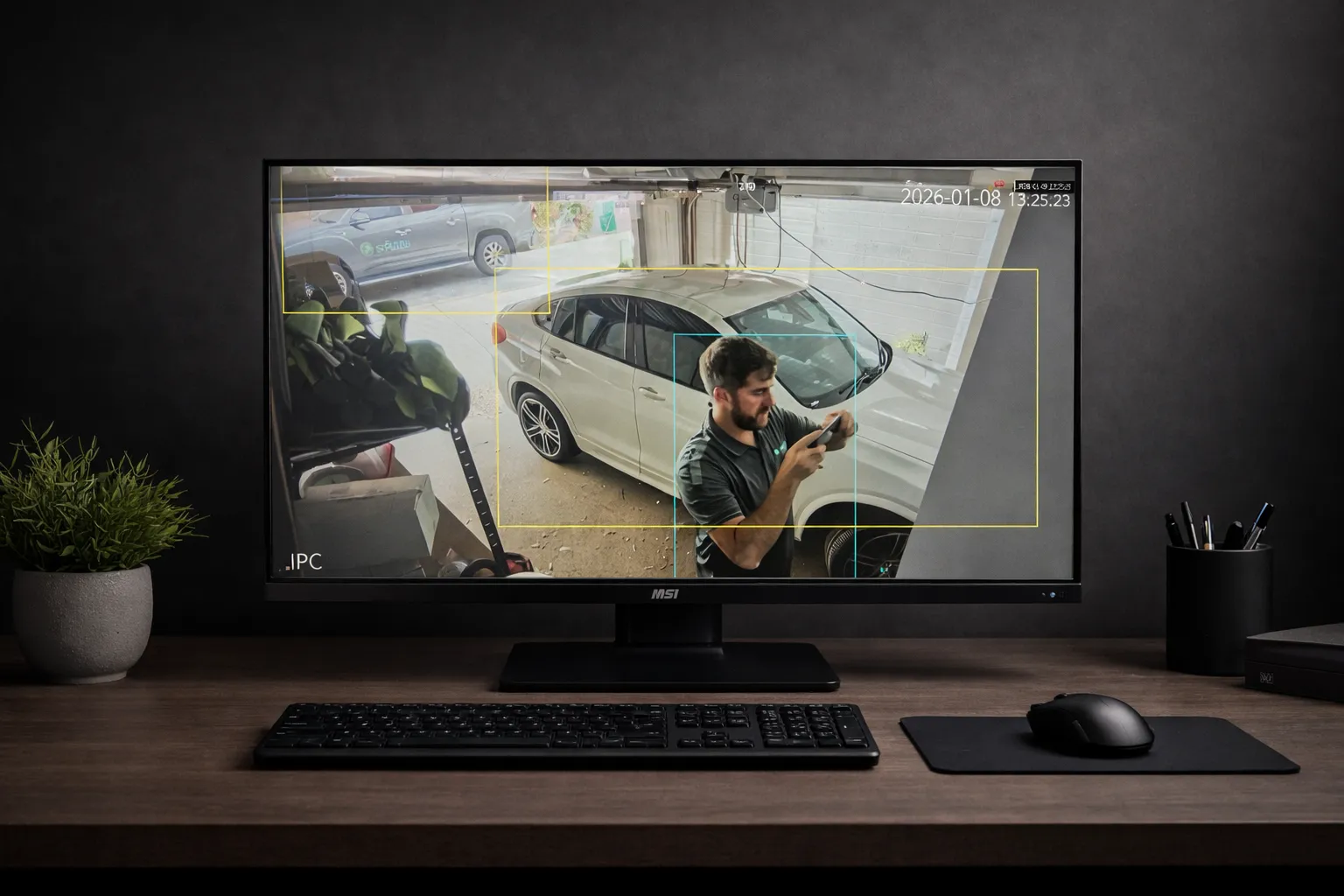
Verkada installer Perth: cloud camera view with people and vehicle detection at a Perth business

What a Verkada installer actually does on site

Verkada is simpler to run than a traditional recorder-based system, but it is not simpler to install well. Every camera, door controller and sensor still needs a clean PoE run back to a switch with enough power budget, a mount that suits the wall or soffit, a field of view that captures faces and plates rather than car roofs, and an internet path that will not drop recordings to the cloud during business hours.

  • Cameras: dome, bullet, fisheye and multisensor models with onboard storage, positioned for identification rather than coverage for its own sake.
  • Access control: Verkada door controllers, readers and intercoms, including replacing an older card system door by door.
  • Alarms and sensors: intrusion, air quality, vape and noise sensors reporting into the same Command dashboard.
  • Network: PoE switches, VLANs and bandwidth checks so the cloud link holds up across every site.
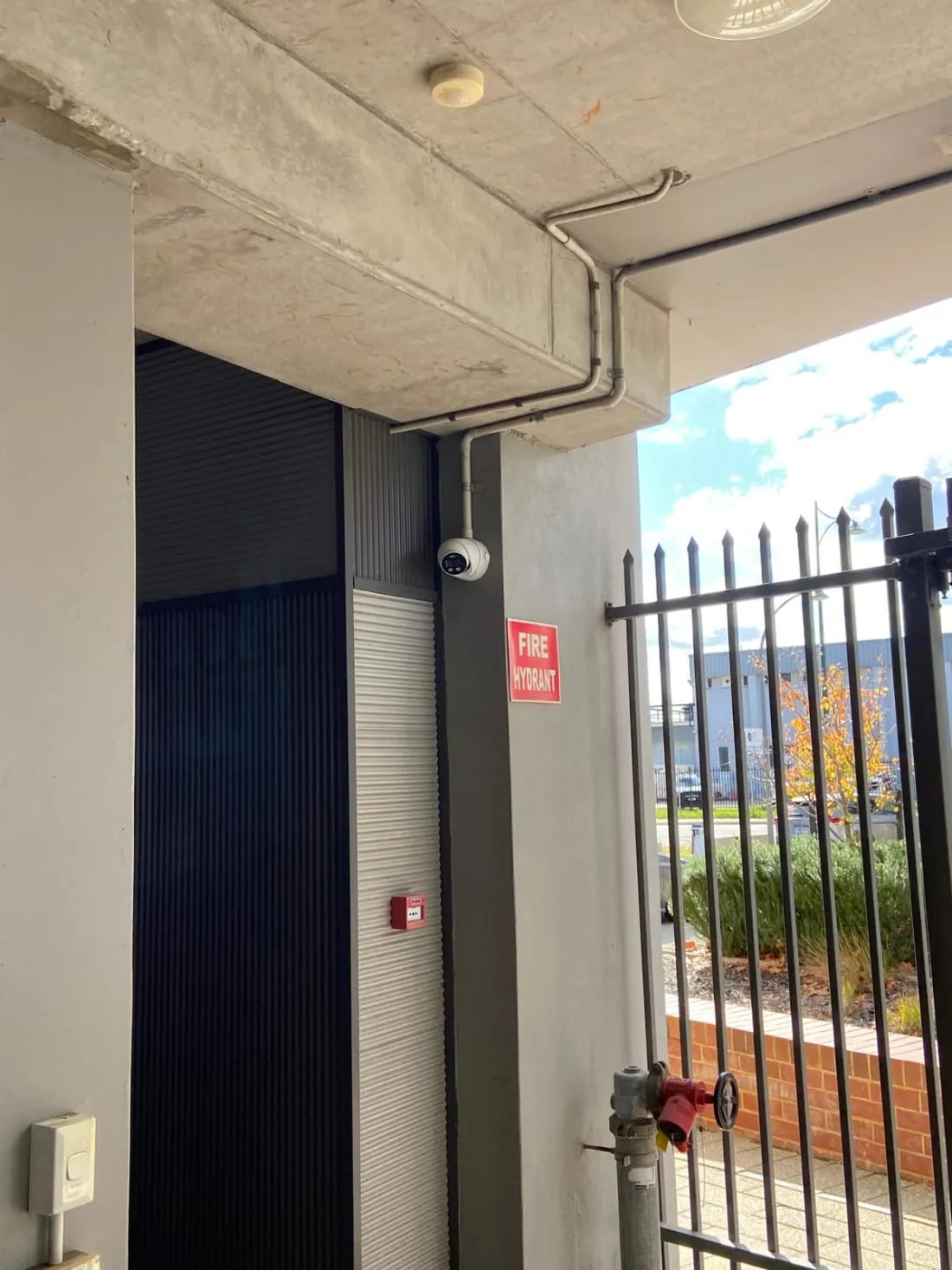
Camera covering a commercial entry at a Perth business, installed for cloud video management

Where Verkada fits, and where it does not

Verkada suits organisations with several sites and no appetite for servers: retail groups, schools, clinics, logistics and offices where the IT team wants a browser login, user roles and a licence they can budget for. Because recordings live on the camera and in the cloud, there is no recorder in a cupboard to fail, and a new site is online as soon as the cameras and switch are in.

It is the wrong answer for sites with poor internet, for buildings that must keep footage entirely on premises, or for owners who want to own the hardware outright without an ongoing licence. We say so when that is the case and quote an on-premises alternative instead: UniFi Protect for single sites, or an open-platform VMS such as Milestone XProtect or Nx Witness for larger camera counts.

Moving an existing site to Verkada

Most Verkada projects in Perth start with an existing analogue or NVR system that has reached the end of its life. We reuse cabling where it is sound, replace runs that are not, keep the old system recording until the day the new cameras go live, and leave a site diagram with every camera numbered and named so Command makes sense to whoever logs in next.

Access control migrations are done door by door, so staff keep getting in while the old controller is retired. Existing card and fob formats are checked first; sometimes they can be kept, sometimes a reader swap is the cleaner path.

After the install

We hand over with Command configured: sites, users, roles, alert rules and retention set to what your policy requires, not the defaults. Ongoing work, such as adding a camera, replacing a reader, or adjusting alerts that fire too often, is handled as a service call or under a commercial maintenance agreement that also covers the network the system depends on.

Questions we get asked

Do I need an NVR or server for Verkada?

No. Verkada cameras store footage onboard and sync to the cloud, and Command runs in a browser. What you do need is a PoE switch with enough power for every device and an internet connection that can carry uploads during the day, which we check and size before quoting.

Can Verkada run my doors as well as my cameras?

Yes. Verkada access controllers, readers and intercoms sit in the same Command dashboard as the cameras, so a door event shows the matching video. We install the controllers and readers, run the door hardware, and migrate existing credentials where the format allows.

How are Verkada systems licensed?

Each device carries a licence for a term, typically one to ten years, which covers cloud, software updates and support. We quote the hardware, installation and licence term together so there is a single figure to compare against an on-premises system.

What happens to my footage if the internet drops?

Cameras keep recording to their onboard storage and sync when the connection returns. Live viewing from outside the site is affected while the link is down, which is why we check the connection and, where it matters, specify a second path.

Is Verkada the right choice for a single site?

Sometimes. For one building with a stable IT setup, an on-premises system such as UniFi Protect usually costs less over five years. Verkada earns its licence when there are several sites, no server room, or a need for cameras, doors and sensors in one dashboard managed by people who are not on site.

Tell us about the sites

How many locations, roughly how many cameras and doors at each, what is there now, and whether footage can leave the premises. We will come back with a Verkada design and, where it makes sense, an on-premises comparison.