Reuse what works, replace what is worn out

Access Control Upgrade Perth

Access control upgrade Perth buildings need when the system still opens the doors but nobody can administer it: software that no longer runs, a controller out of support, 125 kHz fobs anyone can clone, or an installer who has moved on. We upgrade and replace access control on all major brands, reusing the cabling, door hardware and readers that are still sound, so the work is scoped to what is actually worn out.
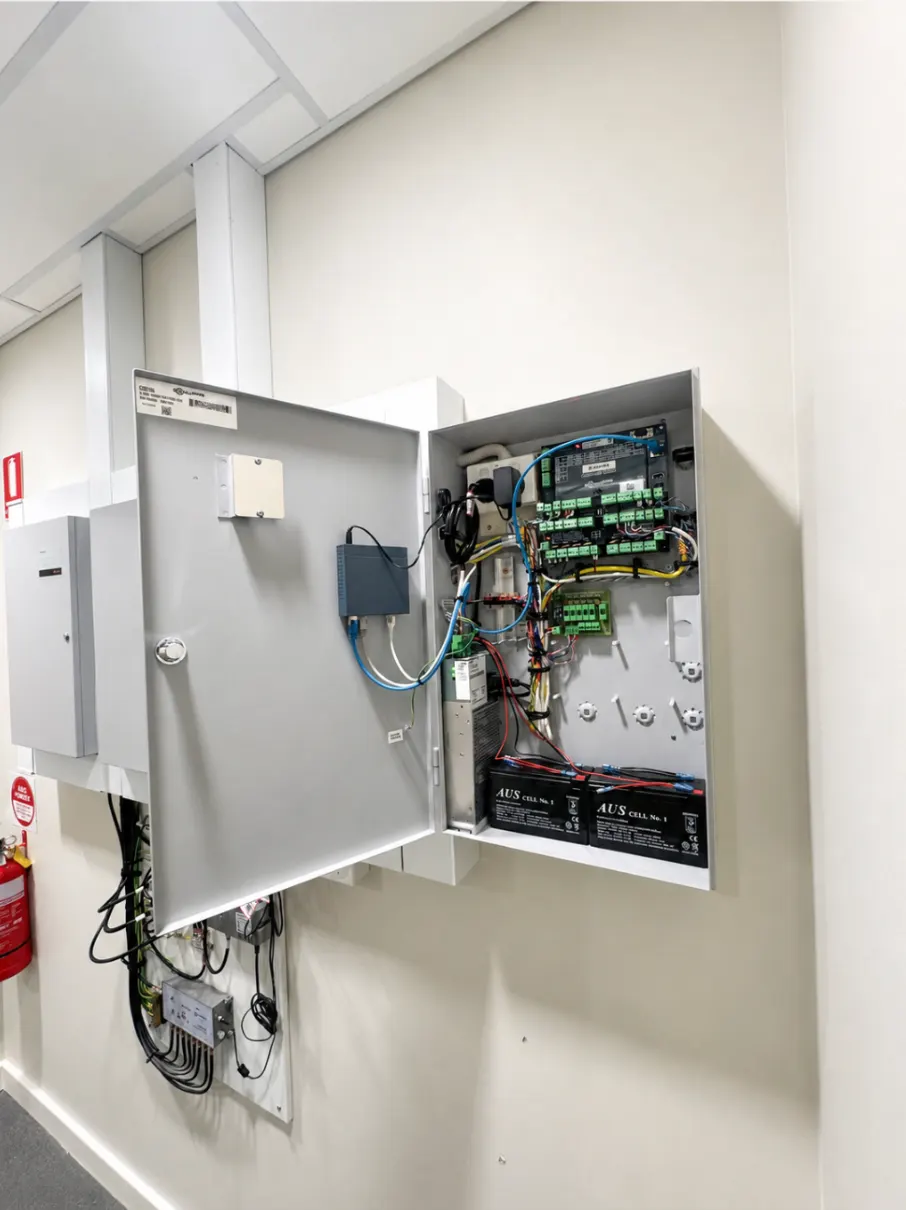
Access control upgrade Perth: controller board and batteries in an existing cabinet at a Perth site, the part replaced in a takeover

Signs a system is due

  • The management software only runs on one old PC, or does not run at all, so credentials are added by calling someone.
  • The controller or its firmware is out of manufacturer support and spare modules are hard to find.
  • Staff and residents carry 125 kHz proximity fobs, which can be cloned cheaply, so a cancelled fob is not really cancelled.
  • Nobody holds the administrator login because the installer has closed or the building manager has changed.
  • Doors are added as standalone keypads because the main system cannot take another door.
  • You want phone credentials, remote management or CCTV tied to door events, and the platform cannot do it.

One or two of these is a maintenance conversation. Three or more usually means the controller and software are replaced and most of the field hardware stays.

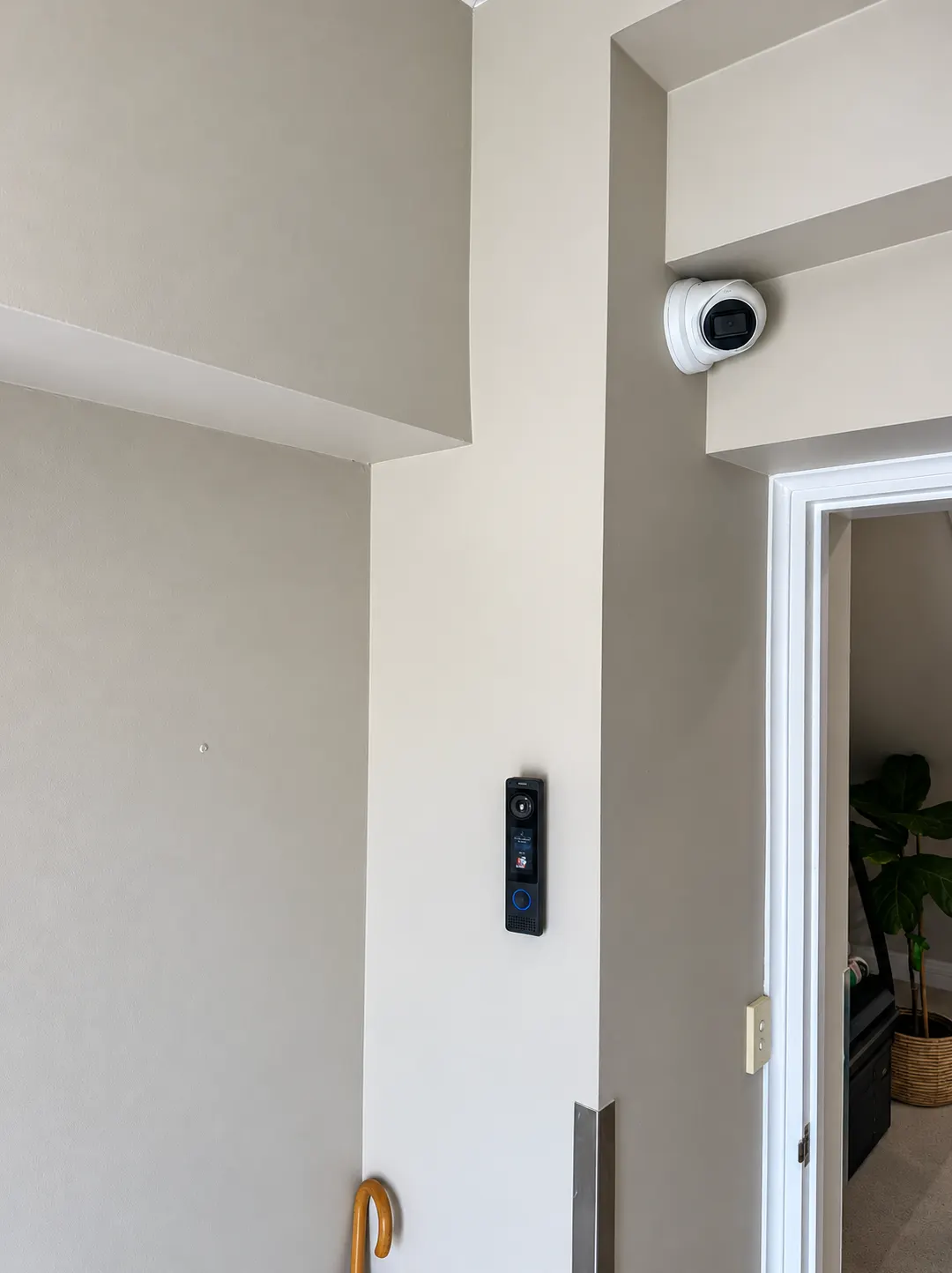
Modern door reader and ceiling camera at a Perth office entry after an access control upgrade

Reuse what still works

The expensive, disruptive part of access control is the cabling and the door hardware, and both usually outlive the electronics by a decade. An upgrade starts by testing what is in the walls: reader cables, lock power, door contacts and exit devices. Sound cabling stays. Electric strikes and magnetic locks that release correctly stay. Enclosures and power supplies are kept where they meet the new controller's needs.

Readers are the judgement call. Older Wiegand readers can often be swapped for OSDP readers on the same cable, which encrypts the link between reader and controller and allows the credential format to move from cloneable 125 kHz fobs to encrypted MIFARE DESFire, SIFER or Seos. Dual-technology readers accept both during the changeover, so staff are moved across in batches rather than queued at the door on a Monday morning.

Upgrade paths by platform

  • Tecom Challenger. Older Challenger panels are replaced with ChallengerPlus, keeping the Tecom readers and field wiring where compatible, and adding the access, app and monitoring features the newer platform brings. See the Tecom installer page.
  • Inner Range Concept. Concept 4000 systems have a documented path to Integriti, with many existing modules able to stay in place, or to Inception for single buildings that want browser management without a server. The Inner Range page compares the two.
  • Gallagher. Controller generations are replaced within the platform with readers and cabling retained, and Command Centre is brought current.
  • Standalone keypads and single-door readers. Consolidated onto one networked or cloud controller so there is one credential list and one log for the building.
  • Orphaned or unknown systems. Where the brand is obsolete or administrator access cannot be recovered, the controller is replaced with a current platform such as UniFi Access or Inception and the field hardware reused where it tests sound.

Takeovers when the previous installer is gone

Many upgrade enquiries start as a takeover: the doors work, nobody can change anything, and the company that installed it no longer answers. We identify the controller and firmware, recover administrator access through the manufacturer's process where that is possible, work out which cable goes to which door, and give you a straight answer on whether the system is worth keeping. Often it is, and the job becomes a service visit and a credential clean-up. When it is not, the upgrade is designed from the field hardware up, and you have the information to decide.

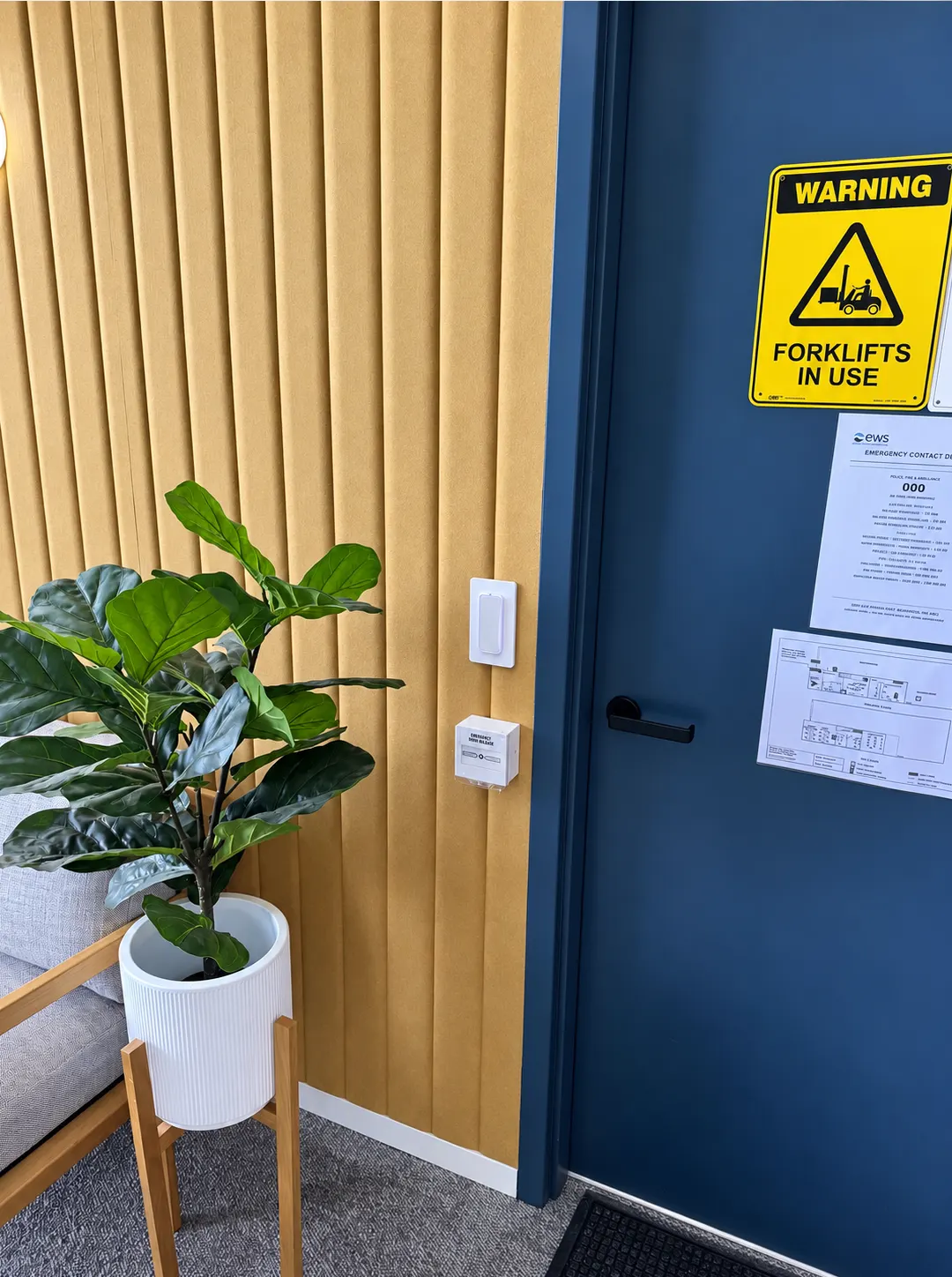
Current-generation reader fitted beside an office door at a Perth warehouse site

Upgrading without locking anyone out

A building keeps operating during an upgrade, so the work is staged. Controllers are replaced door by door with the old system still running the rest, credentials are issued in the new format before the old readers come off, and strata or office cutovers are scheduled outside peak hours. Where a door must never be unsecured, a temporary measure covers the swap. The last step is checking every door's lock, release, monitoring and fire interface against the schedule before the old system is decommissioned.

This page is part of our access control Perth service, which covers the platforms, credentials and integrations available once the upgrade is done.

Questions we get asked

Can you upgrade the controller without replacing the readers?

Often, yes. Readers that use a standard Wiegand or OSDP interface can connect to a new controller from the same or a different brand, and we test each one during the assessment. Readers are replaced when they are failing, when they only read cloneable 125 kHz fobs, or when you want encrypted credentials or phone access that the old readers cannot support.

Can staff and residents keep their existing fobs?

If the fobs are an encrypted format and the new readers support it, yes. If they are 125 kHz proximity fobs we recommend moving to encrypted credentials, and dual-technology readers let both work during the changeover so people are re-issued in batches rather than all at once.

We do not know the administrator password. Can you still take the system over?

Usually. Each manufacturer has a process for recovering or resetting administrator access for the verified owner of a system, and we work through it with you. If recovery is not possible or the platform is obsolete, the controller is replaced and the field hardware reused where it tests sound, which is a smaller job than it sounds.

Can an upgrade add phone credentials and remote management?

Yes, and it is one of the most common reasons to upgrade. Current platforms issue mobile credentials alongside fobs and cards, are administered from a browser or app rather than one PC, and can tie door events to CCTV. Which features you get depends on the platform chosen, which we match to the building and what is already installed.

Will we need new cabling?

Rarely for the doors that already have it. Existing reader and lock cabling is tested and kept where it is sound, which is the main reason an upgrade costs less than a new installation. New cabling is run only for doors being added or where a test shows a fault.

What does an access control upgrade cost in Perth?

It depends on how many doors are on the system, what can be reused after testing, whether readers and credentials are being replaced, the platform being moved to and whether administrator access can be recovered. An assessment visit tells us all of that, and the quote separates what is kept from what is new so you can see where the money goes.

Send a photo of the cabinet

A photo of the controller cabinet with the door open, the brand on the readers, and roughly how many doors are on the system tells us most of what we need. We will tell you whether it is a takeover, a service visit or an upgrade, and quote accordingly.